
Screenshots
About f2b
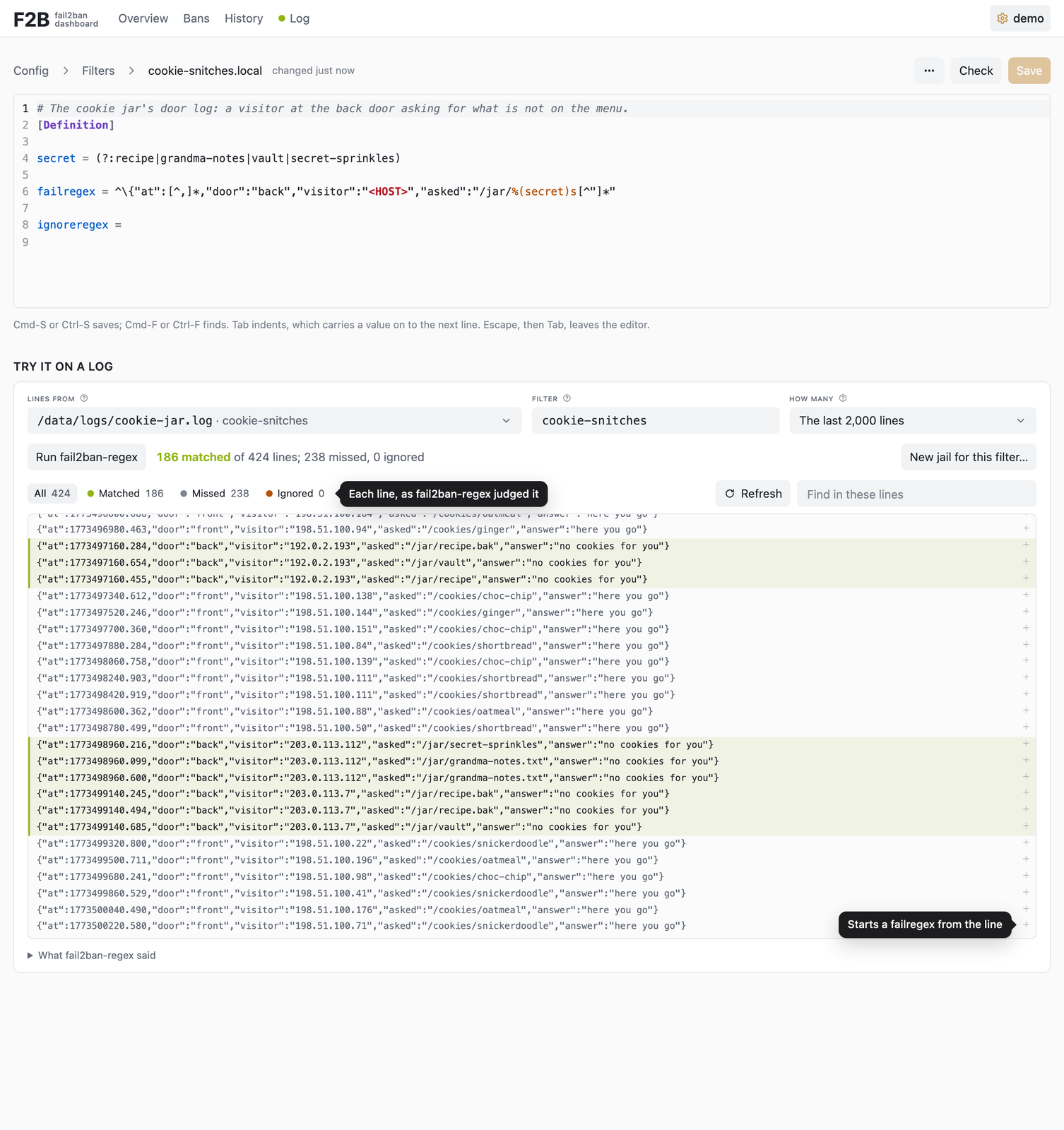
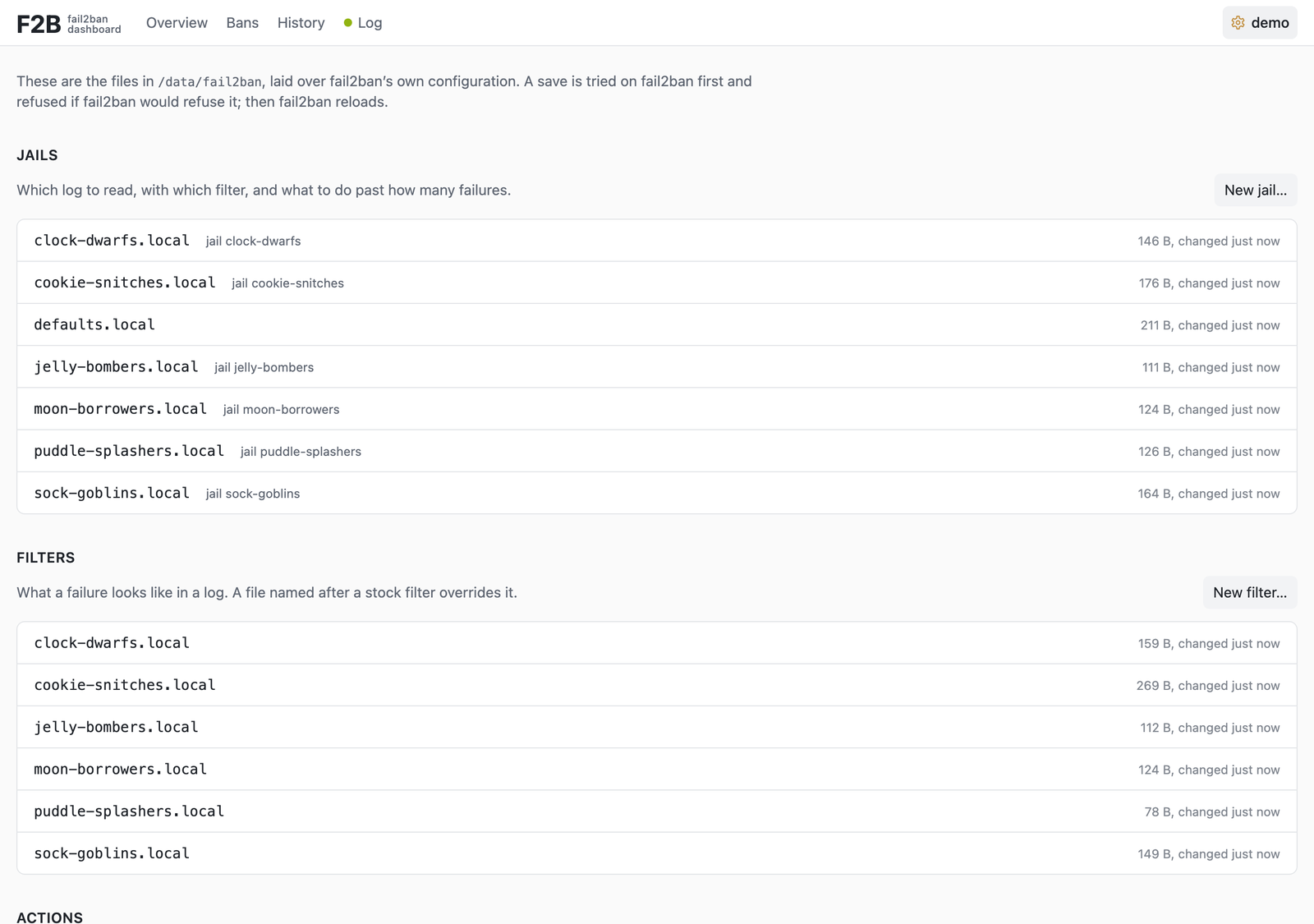
f2b is fail2ban with an API and an interface to it. Jails, filters and actions are files, edited in the browser in an editor that knows fail2ban's files. A save fail2ban would refuse is refused, with fail2ban's own words, and nothing is written. One it accepts is written, and fail2ban reloads, keeping its bans.
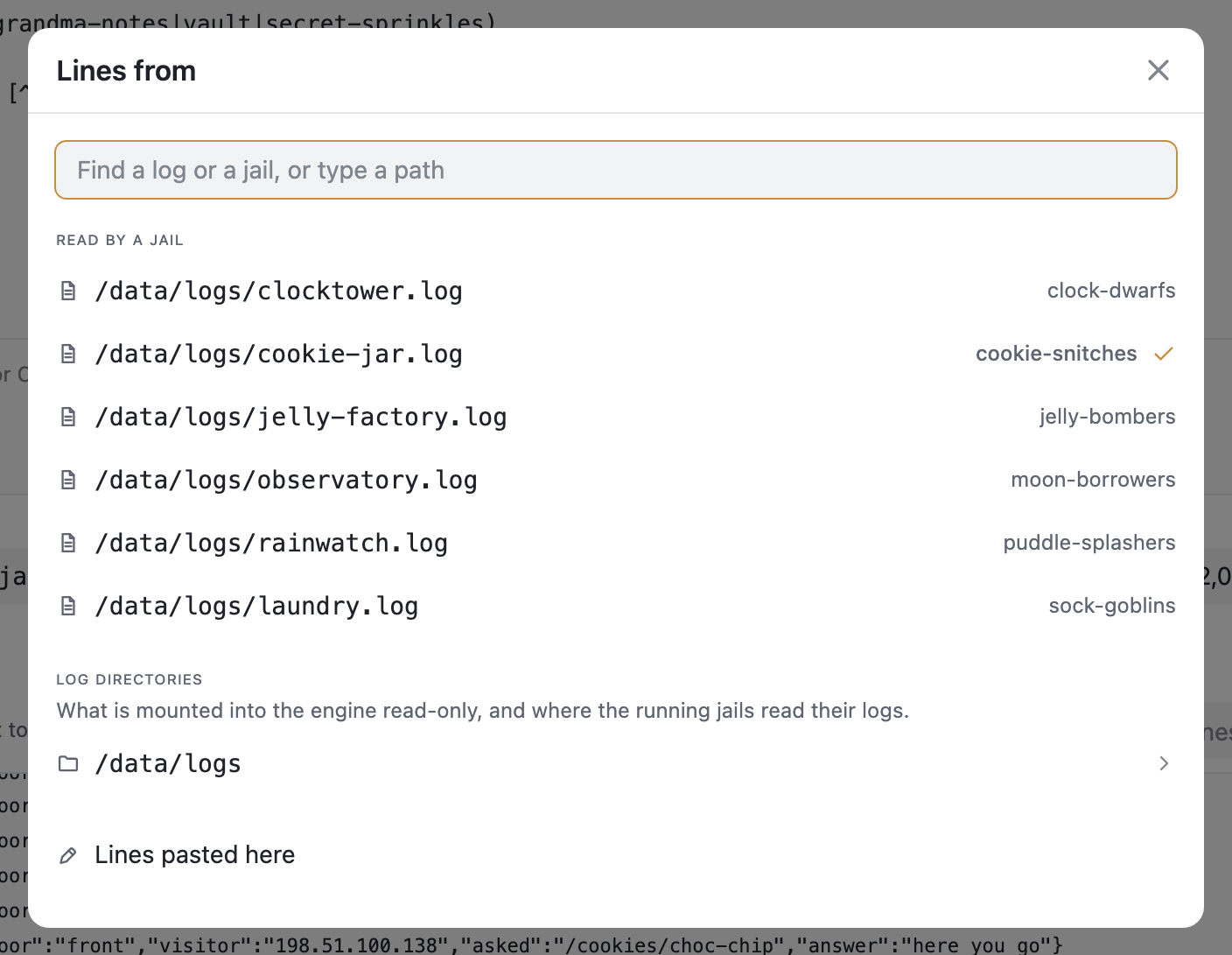
A filter can be tried on a log before it's saved: fail2ban-regex runs over the end of a log a jail reads, any other in the mounted log directories, rotated .gz ones too, or lines pasted in. Each line is marked matched, missed or ignored, and tried again as the filter changes. A line can start a failregex, with its date and address taken out and the rest escaped.
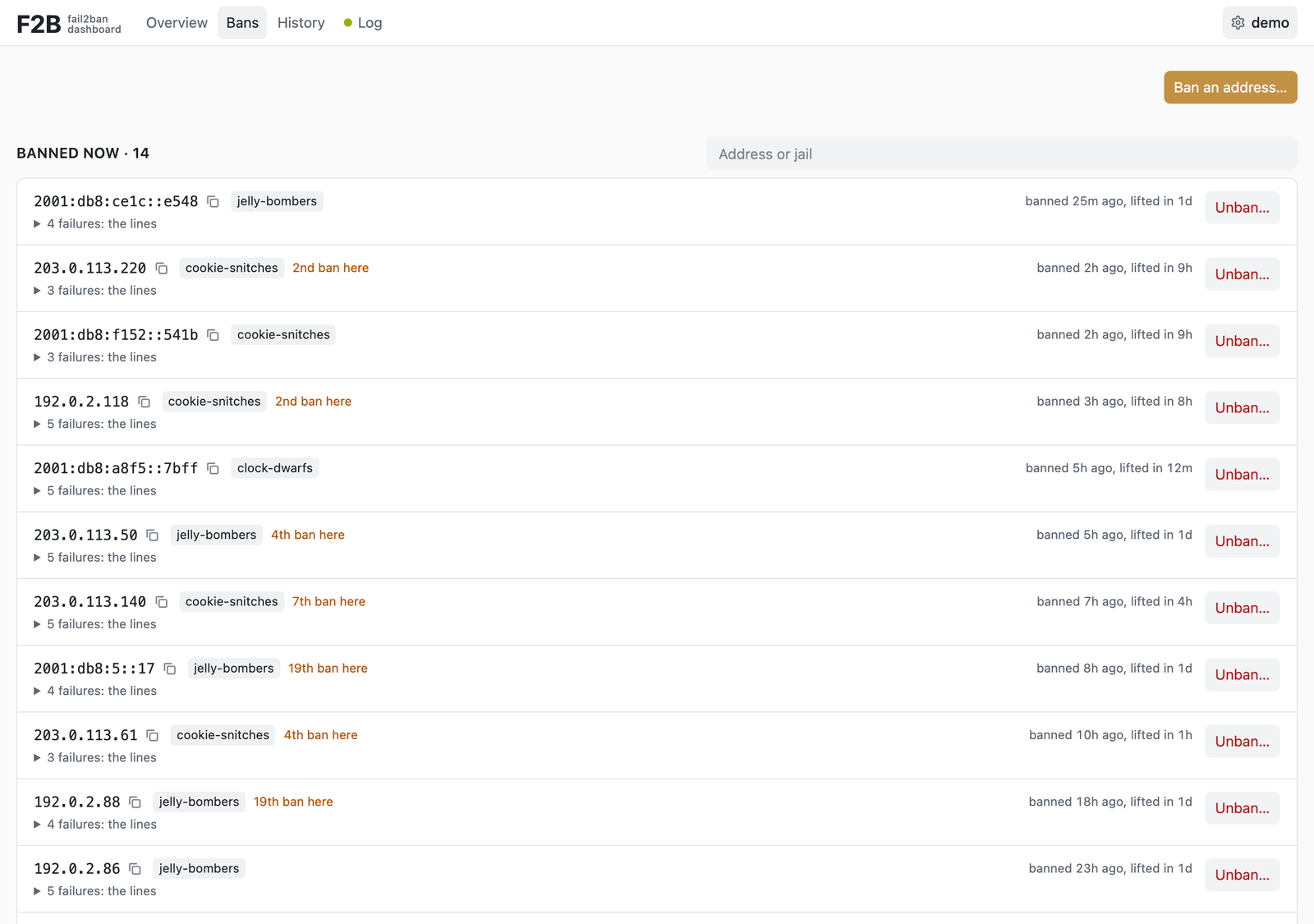
- Who is banned now, where, since when and until when, and the log lines that did it. A ban can be lifted, and an address or a range banned by hand.
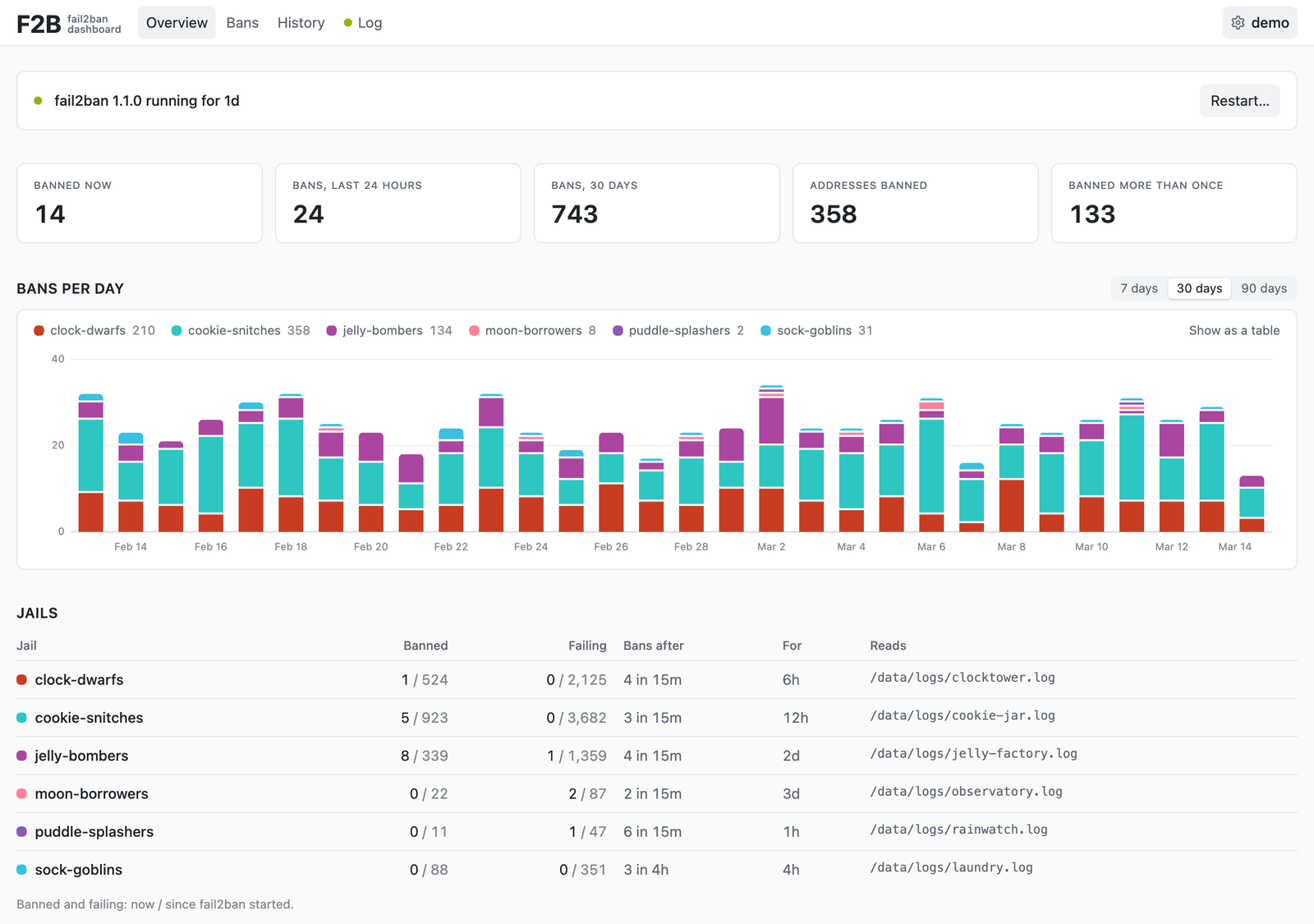
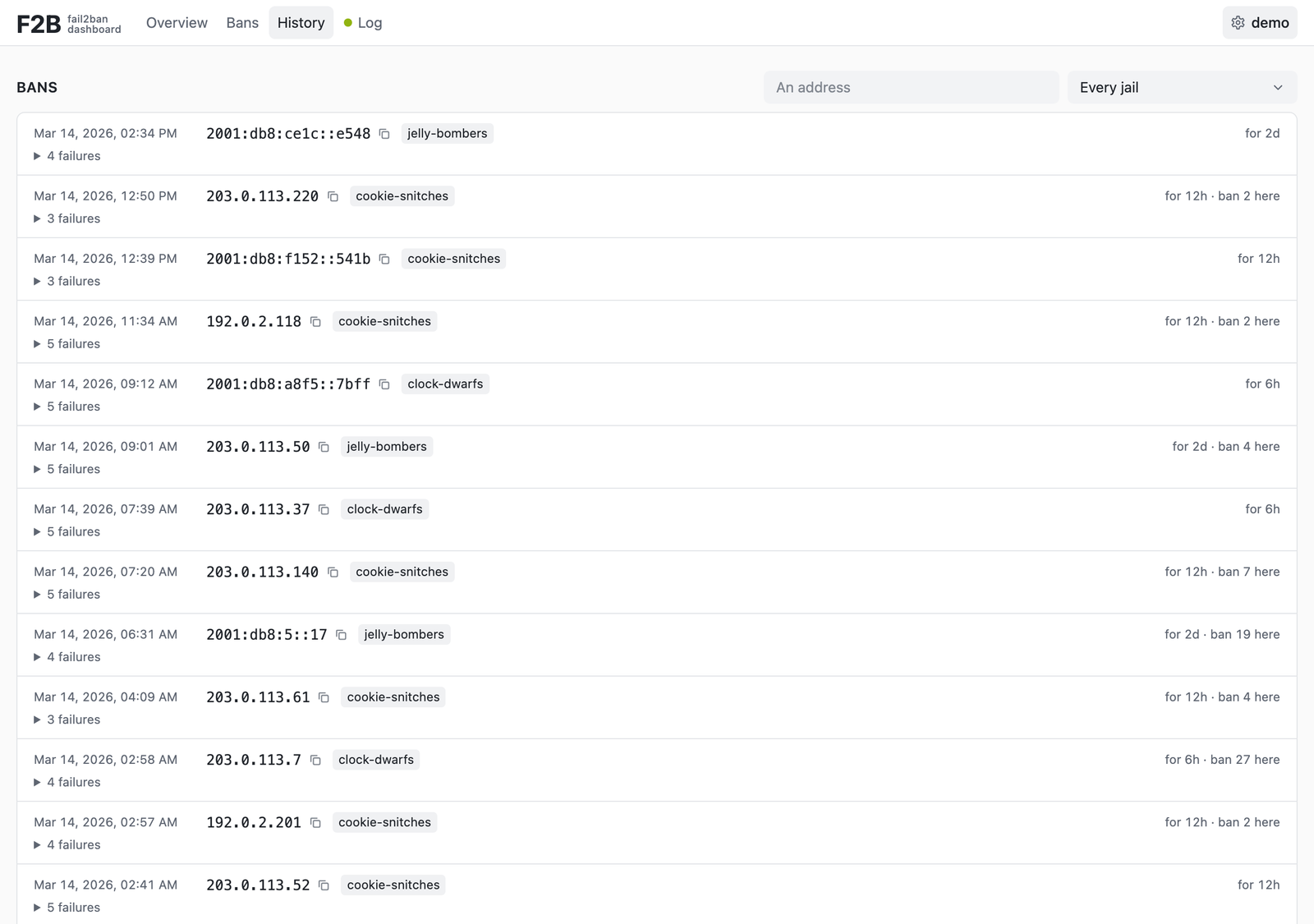
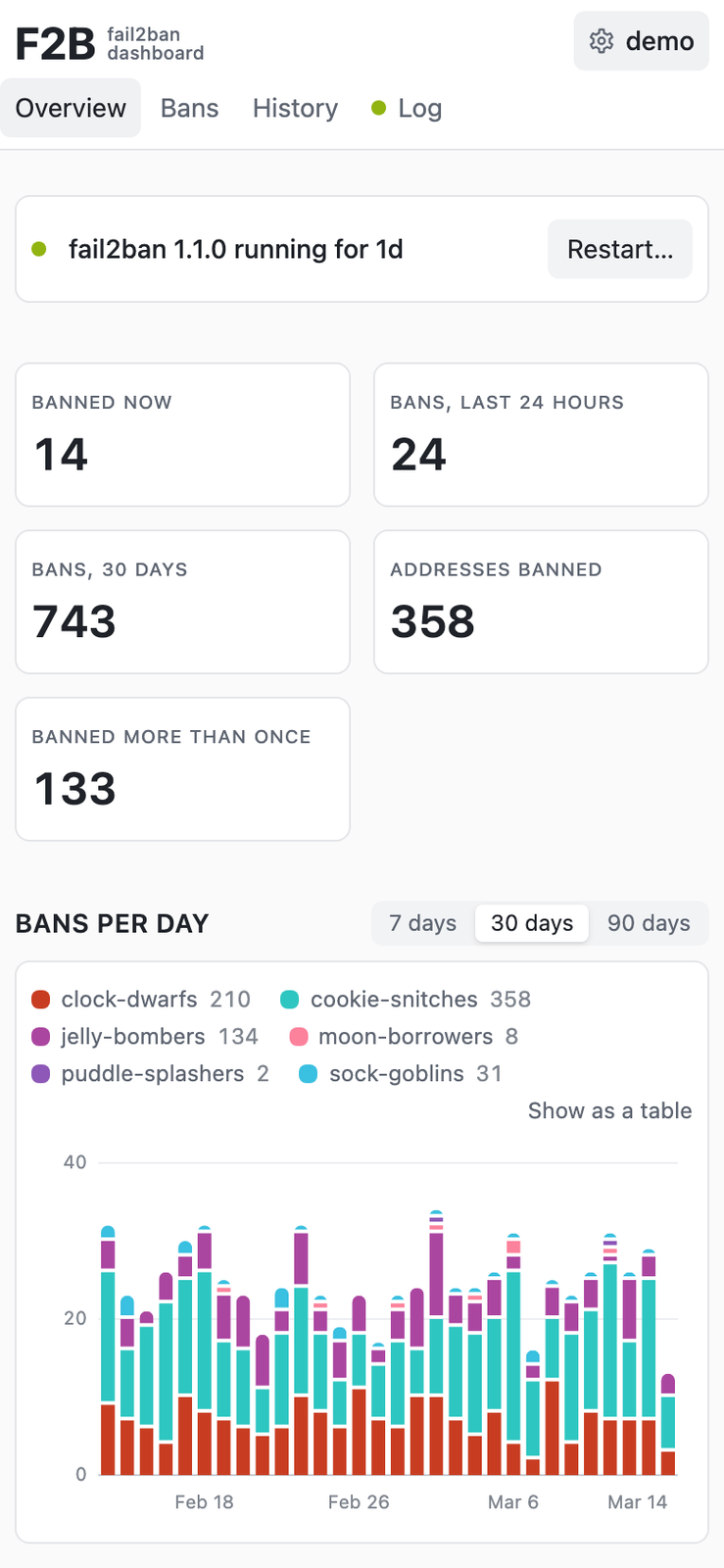
- The history: bans per day by jail, the most banned addresses, and every ban fail2ban's database holds.
- fail2ban's own filters and actions, to read and to override in one press.
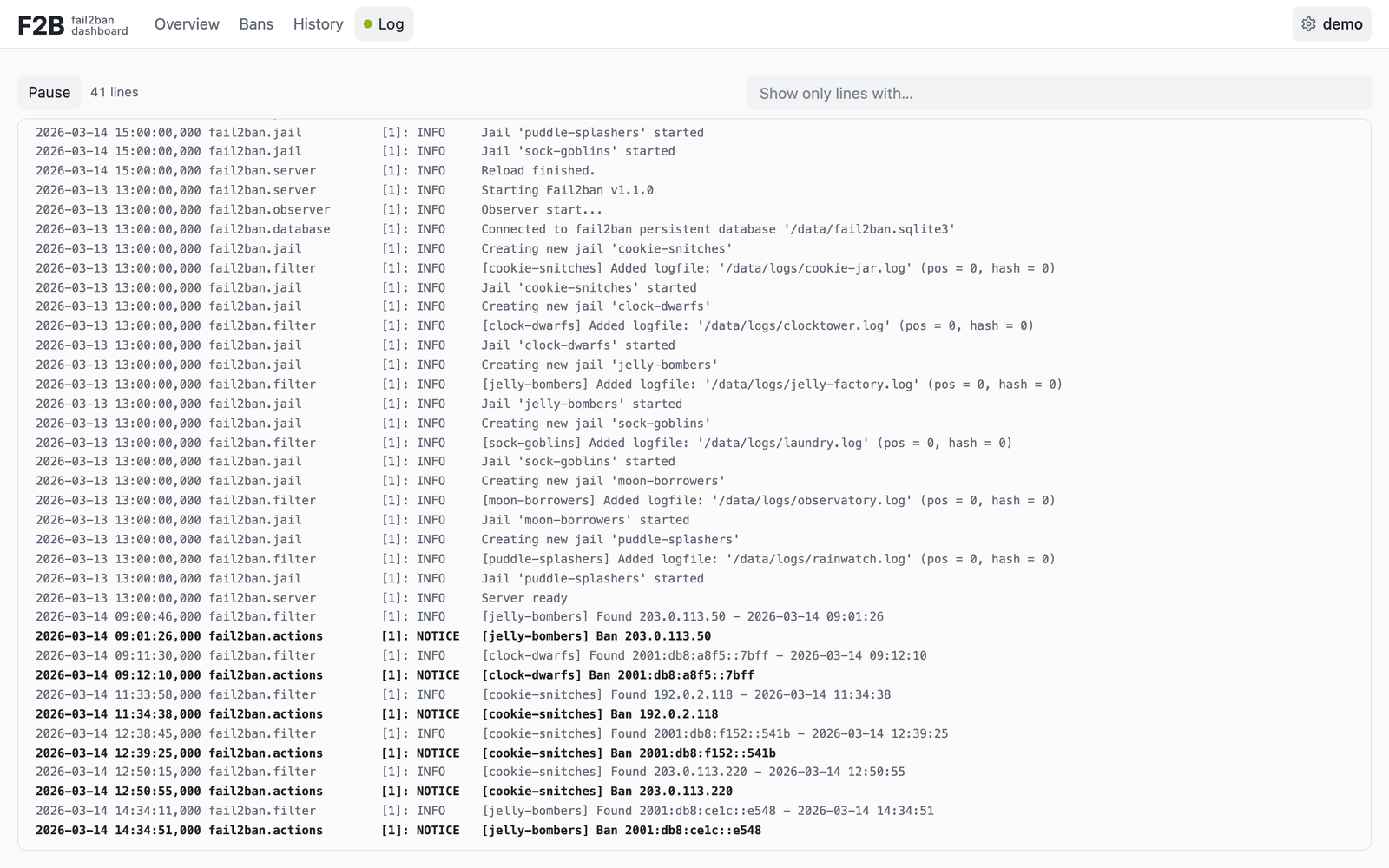
- fail2ban's log, following along.
- One password, from the environment. Every wrong one is a line for fail2ban to read.
- API tokens for scripts and agents, read-only or read and write, for a JSON:API described by an OpenAPI document.
- A link to paste into an agent, opening a brief on this f2b and its API with a token that works for thirty minutes.
It runs as two containers sharing one volume. The engine, with fail2ban and the API, runs in the host's network, because fail2ban writes the host's firewall. The interface runs wherever a reverse proxy reaches it, and talks to the engine over a socket on the volume.
Run it
# the password to sign in with
echo "ADMIN_PASSWORD=$(openssl rand -base64 24)" > .env

# fail2ban, the firewall and the API, in the host's network;
# it gets 30 seconds to stop: fail2ban takes its rules out
docker run -d --name f2b-engine --network host \
  --cap-add NET_ADMIN --cap-add NET_RAW --stop-timeout 30 \
  -v f2b-data:/data \
  -v /var/log:/var/log:ro \
  ghcr.io/reeywhaar/f2b-engine:v1

# the interface is on port 80: put HTTPS in front of it
docker run -d --name f2b-web --env-file .env \
  -e F2B_PUBLIC_URL=https://f2b.example.com \
  -v f2b-data:/data \
  -p 127.0.0.1:8080:80 \
  ghcr.io/reeywhaar/f2b-web:v1
Configuration, backups and the rest are in the README.


