
Screenshots
About mailio
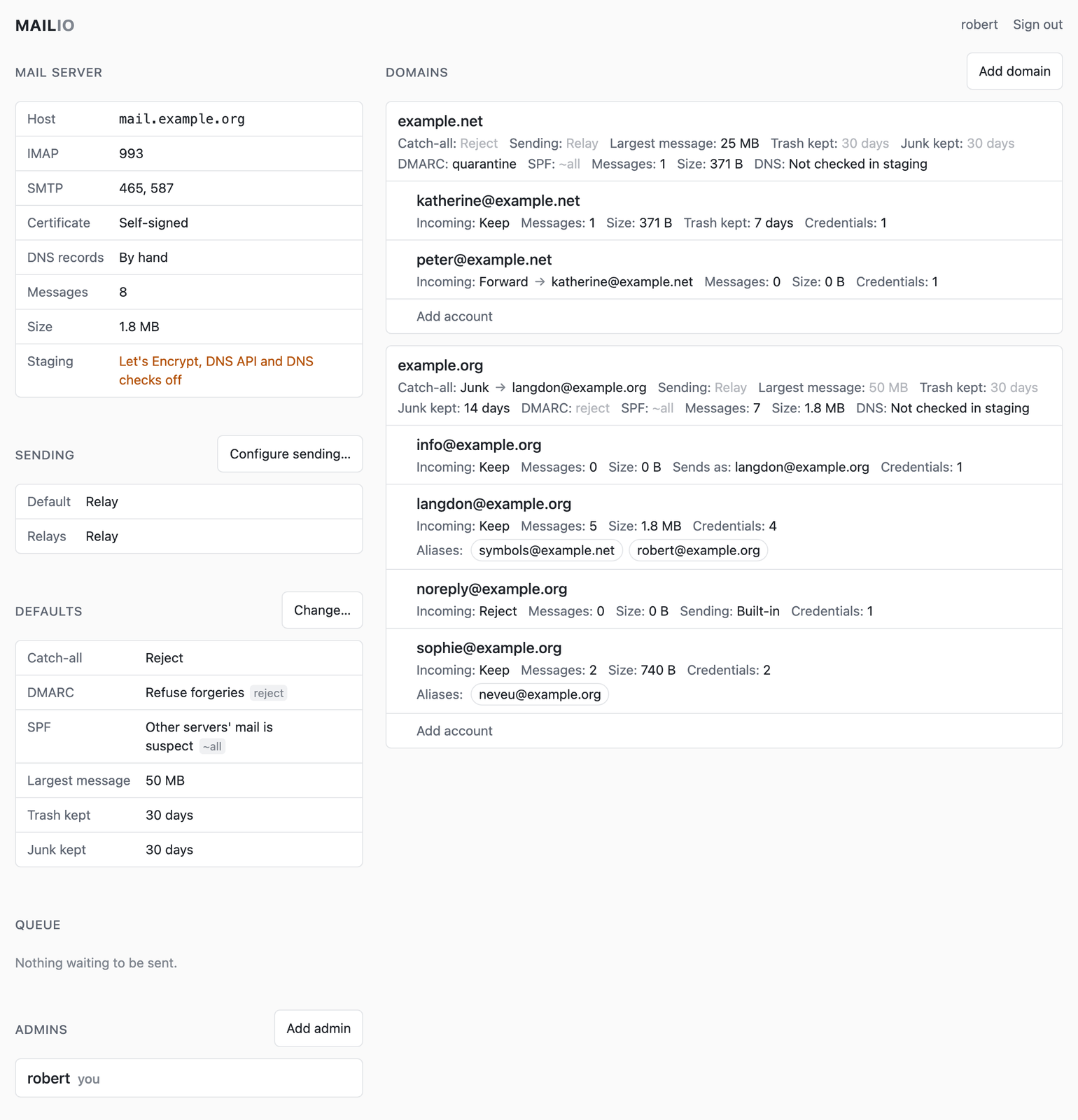
mailio is a mail server that runs as one Docker container and takes about a minute to set up: start it, open the link from its log, then add a domain and an account. Domains, accounts and their settings are managed in a web admin interface, and mail is read over IMAP with any mail client, or with emguio.
It checks SPF, DKIM and DMARC on every message that arrives: what the sender's domain says to refuse is refused, and what it says to quarantine goes to Junk. What it sends is signed with the domain's DKIM key, and a failed delivery is retried for five days and then reported to the sender.
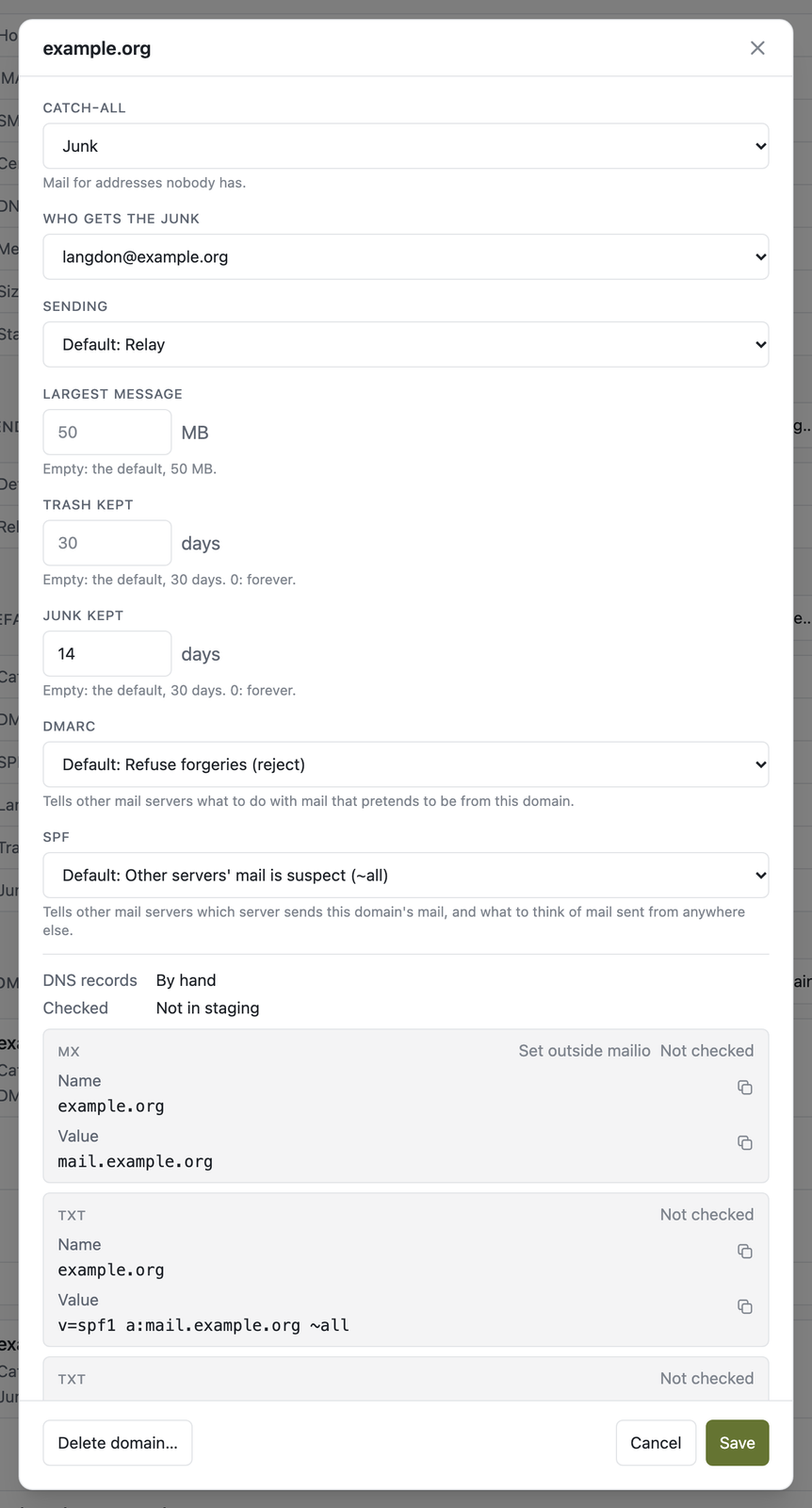
With a DNS API such as doapi, it publishes each domain's DKIM, SPF and DMARC records and gets a Let's Encrypt certificate for the mail ports. With or without one, it checks every record, MX included, against what DNS serves and marks what is missing or wrong.
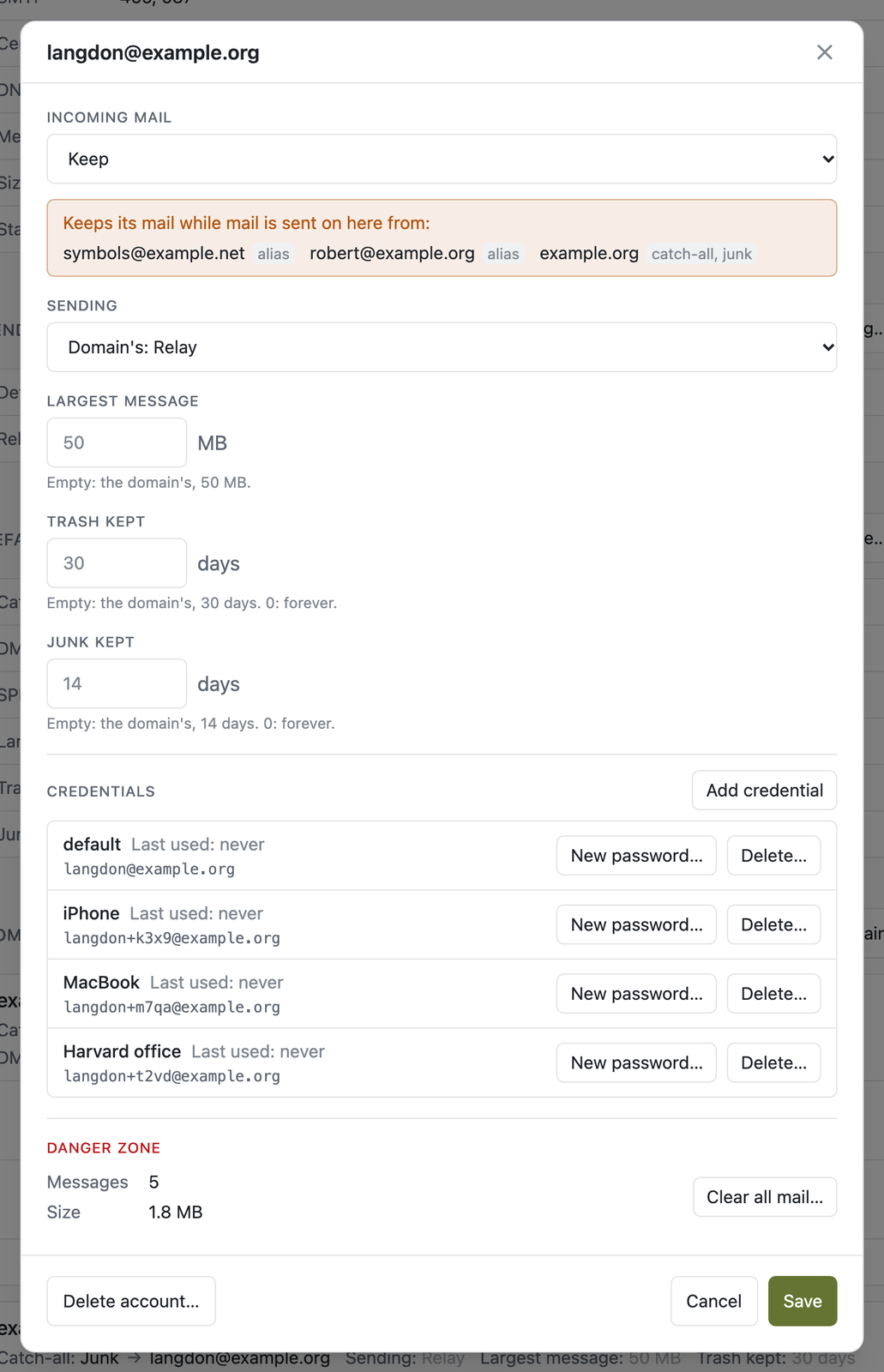
- A password per device: each credential has its own login and password, so a lost phone's can be deleted without touching the laptop's.
- Inbox, Sent, Drafts, Archive, Junk and Trash. Trash and Junk empty themselves after 30 days, or as long as a domain or an account says.
- Aliases, plus addresses, forwarding to another account, and a catch-all.
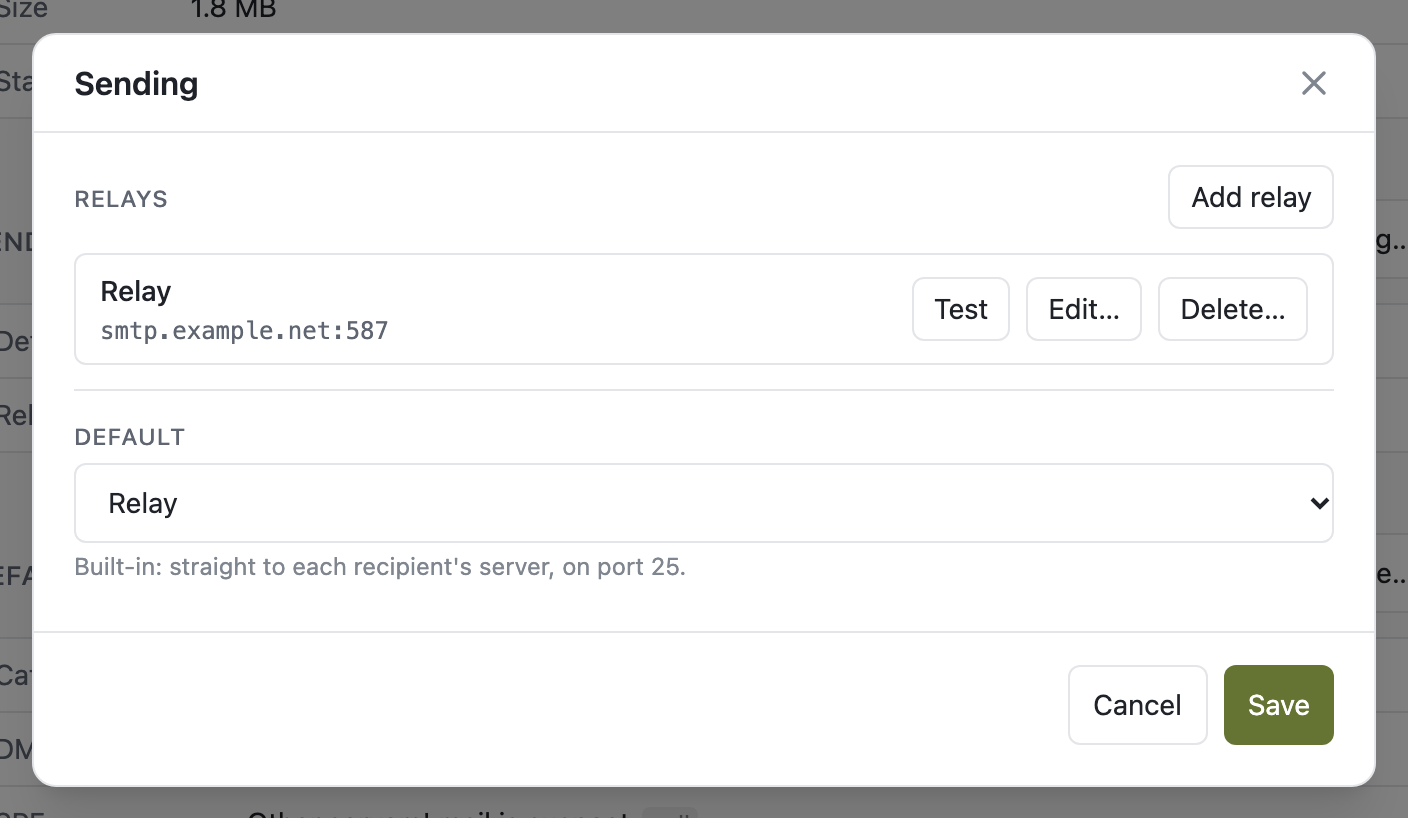
- Relays such as Gmail, for a host that can't send on port 25, chosen per domain or per account.
- Scheduled sending: a mail client can have a message held and sent later.
- Backups of the whole server, as one file, to backio.
Run it
# the key seals the relays' passwords: keep it, apart from the data and its backups
echo "MAILIO_SECRET_KEY=$(openssl rand -base64 32)" > .env

# the admin interface is on port 80: put HTTPS in front of it
docker run -d --name mailio --env-file .env \
  -e MAILIO_PUBLIC_URL=https://mail.example.com \
  -v mailio-data:/data \
  -p 25:25 -p 465:465 -p 587:587 -p 993:993 \
  -p 127.0.0.1:8080:80 \
  ghcr.io/reeywhaar/mailio:v2

# the log has a link to set up the first admin
docker logs mailio
Configuration, backups and the rest are in the README.


