
Screenshots
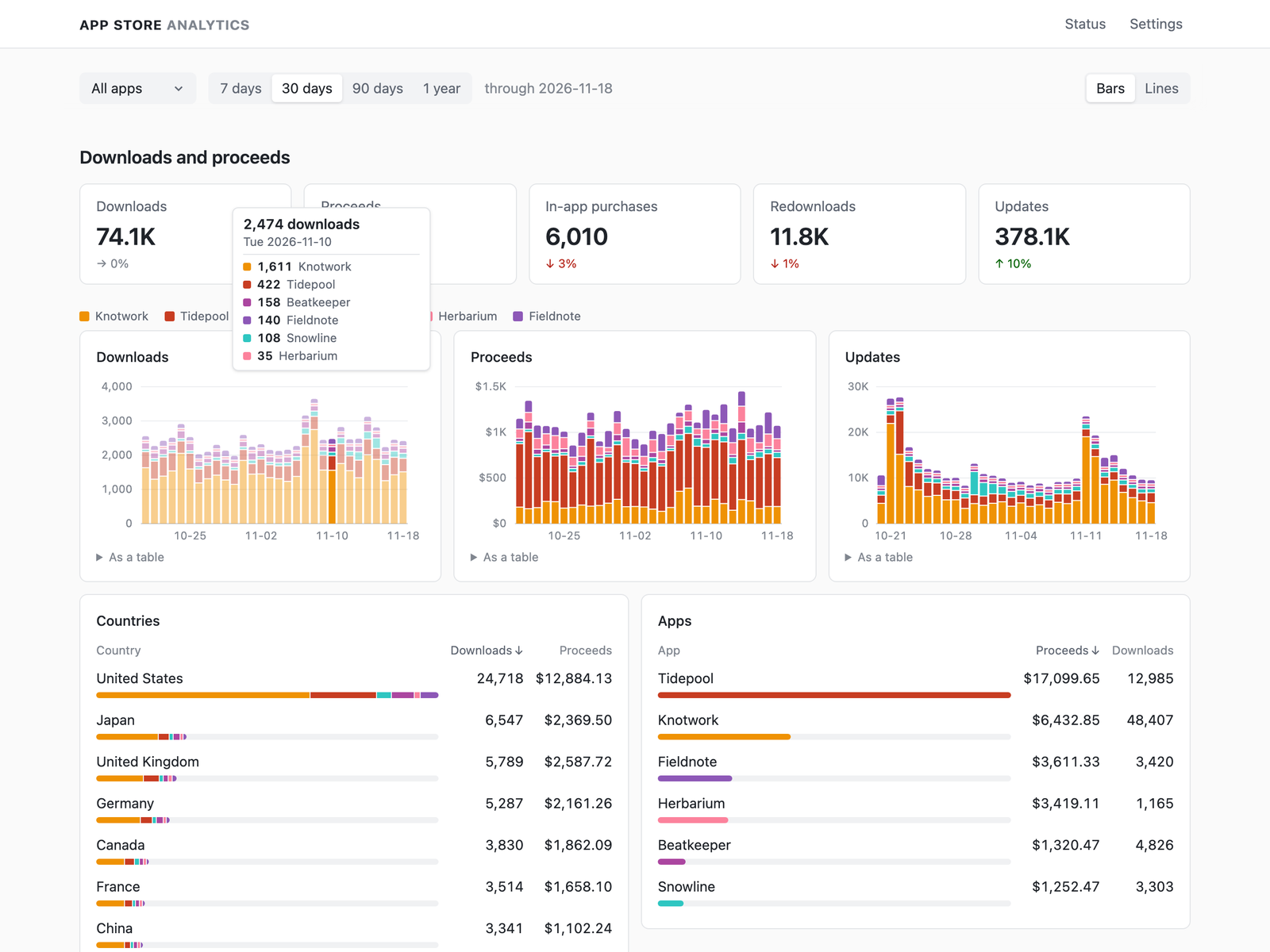
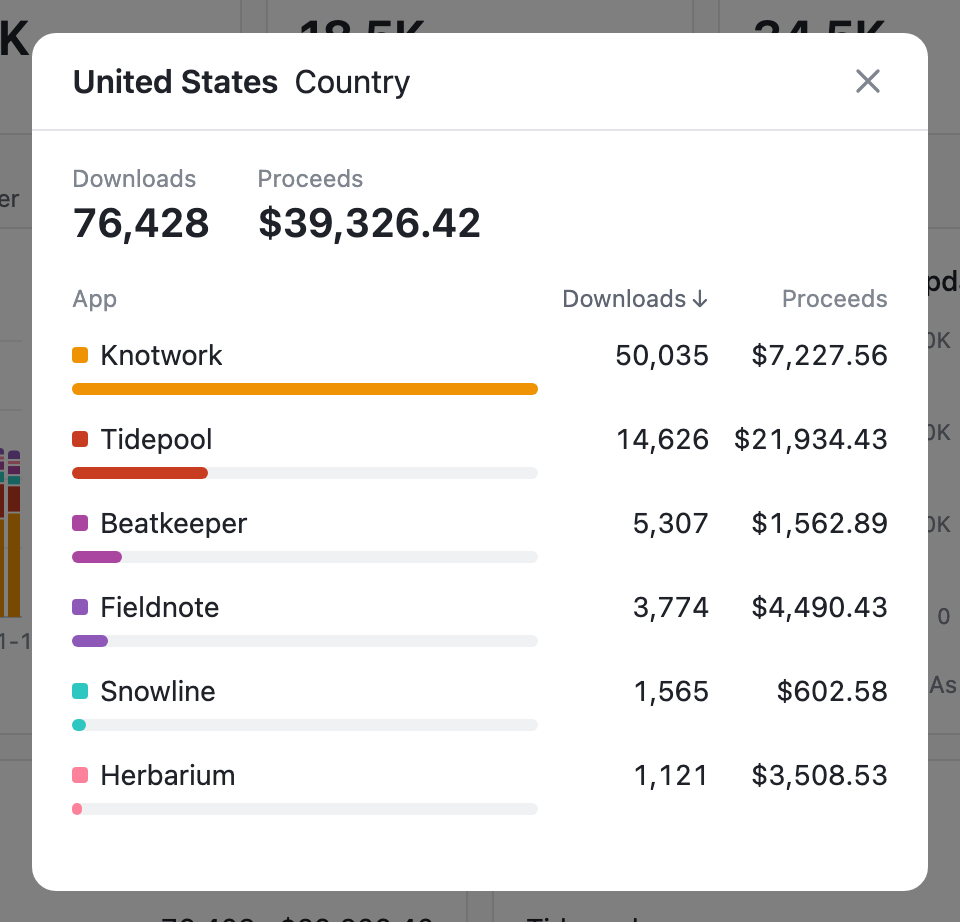
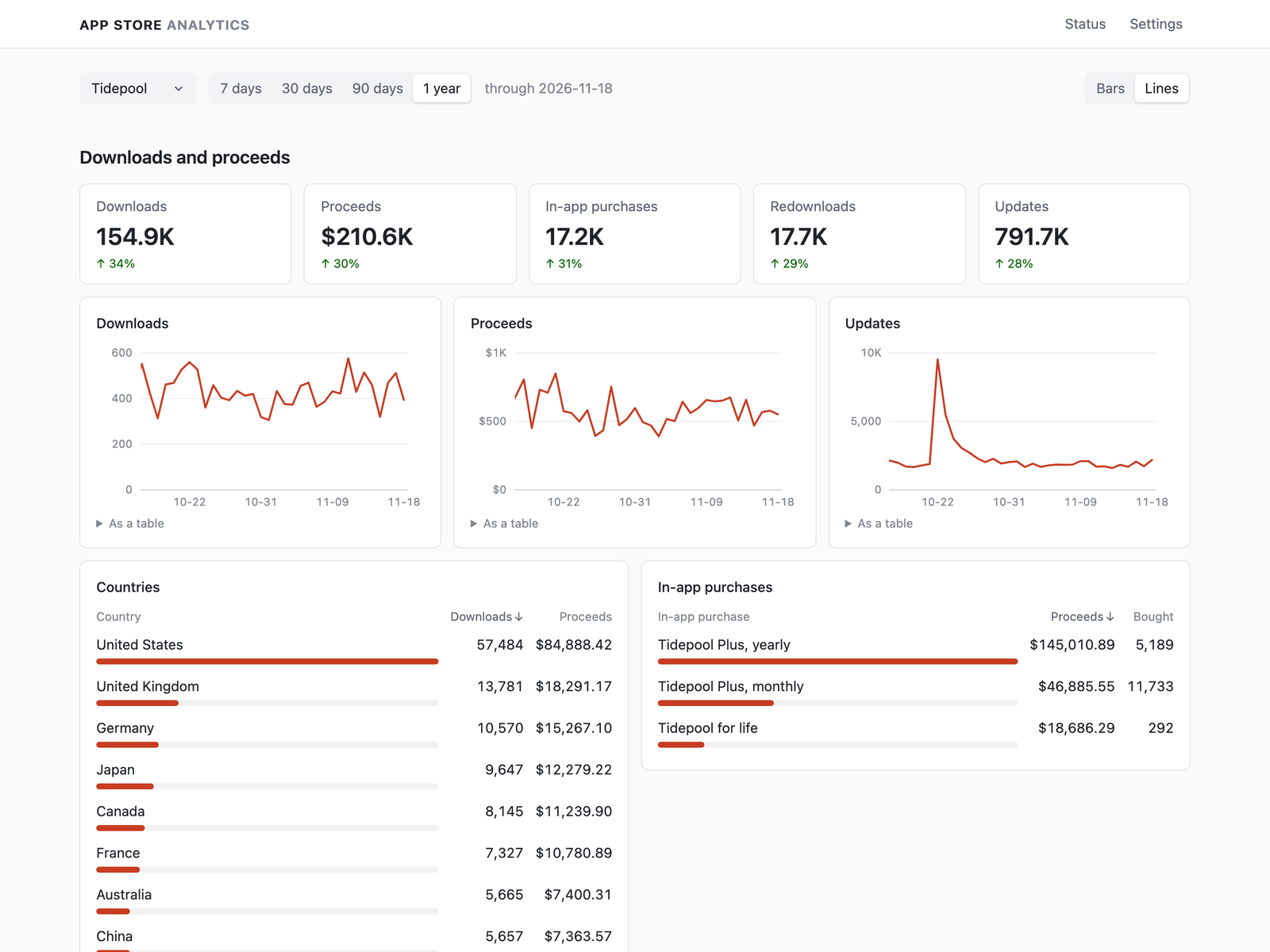
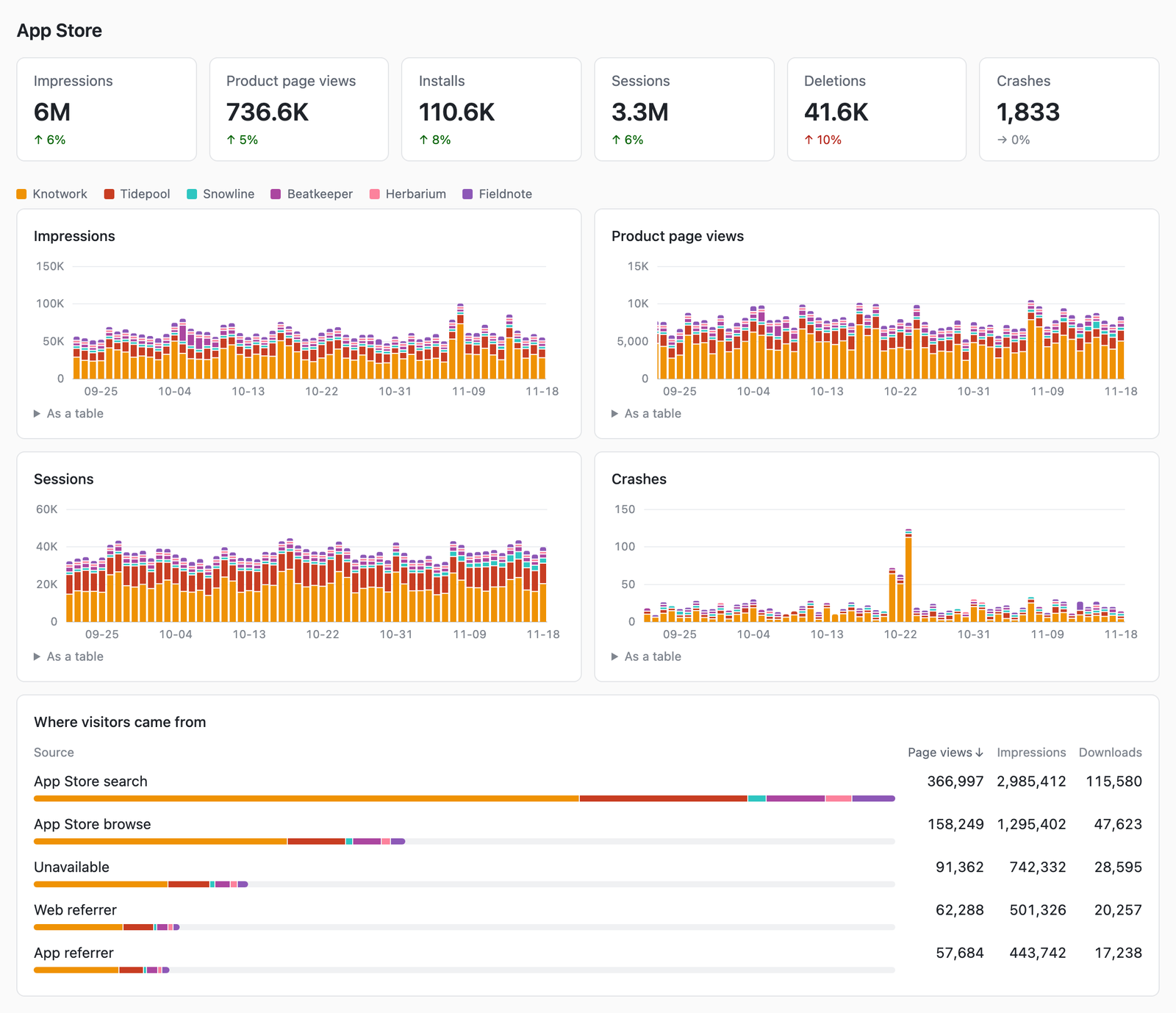
About App Store Analytics
App Store Analytics is a dashboard of one App Store Connect account that runs as one Docker container: give it an App Store Connect API key, start it and sign in. It shows what was downloaded and earned, and how the App Store pages did.
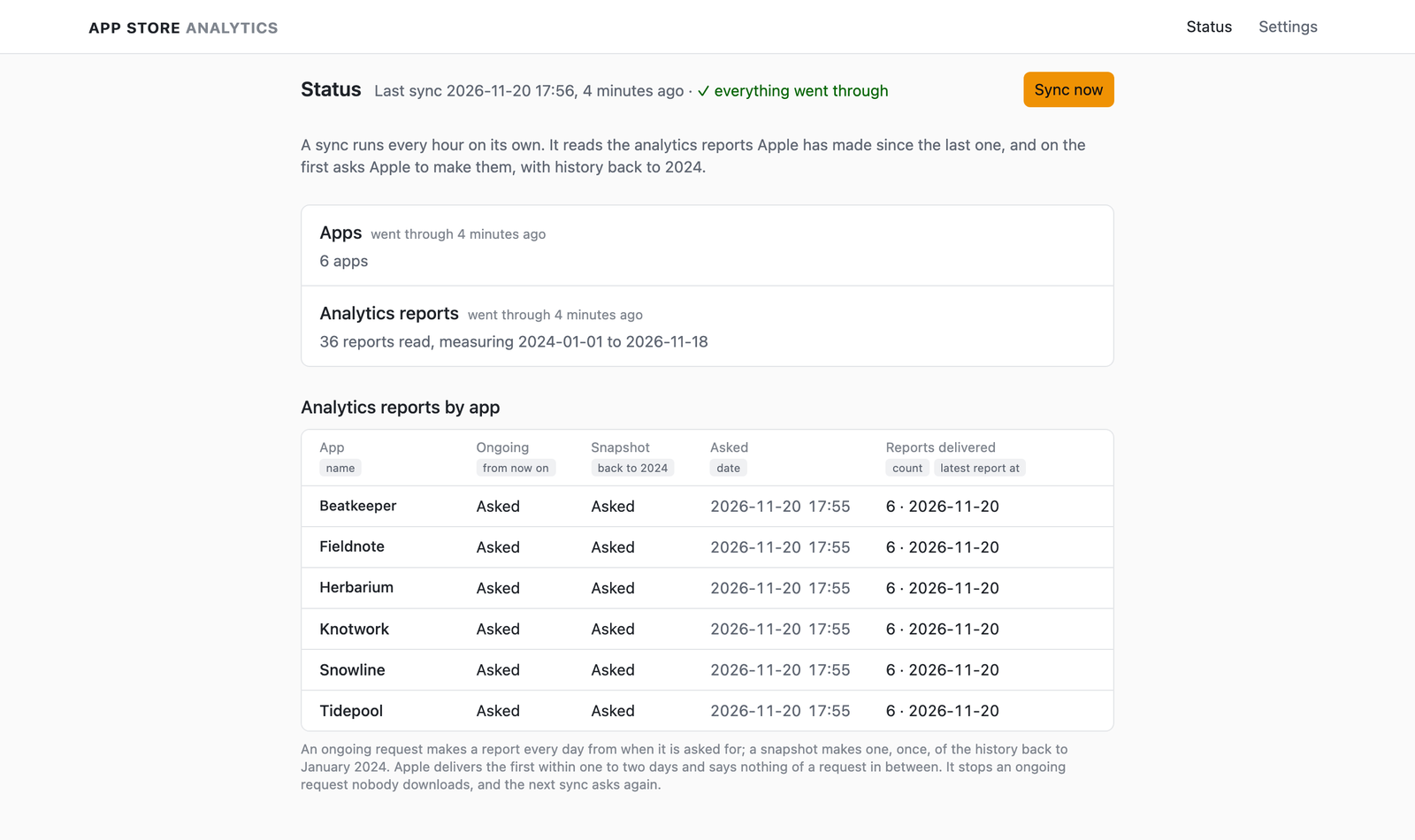
It reads Apple's Analytics Reports API, which is where Apple points exports as it retires Sales and Trends. The first sync asks Apple to make each app's reports, and Apple makes the first a day or two later, with history back to 2024. After that a sync every hour reads what is new.
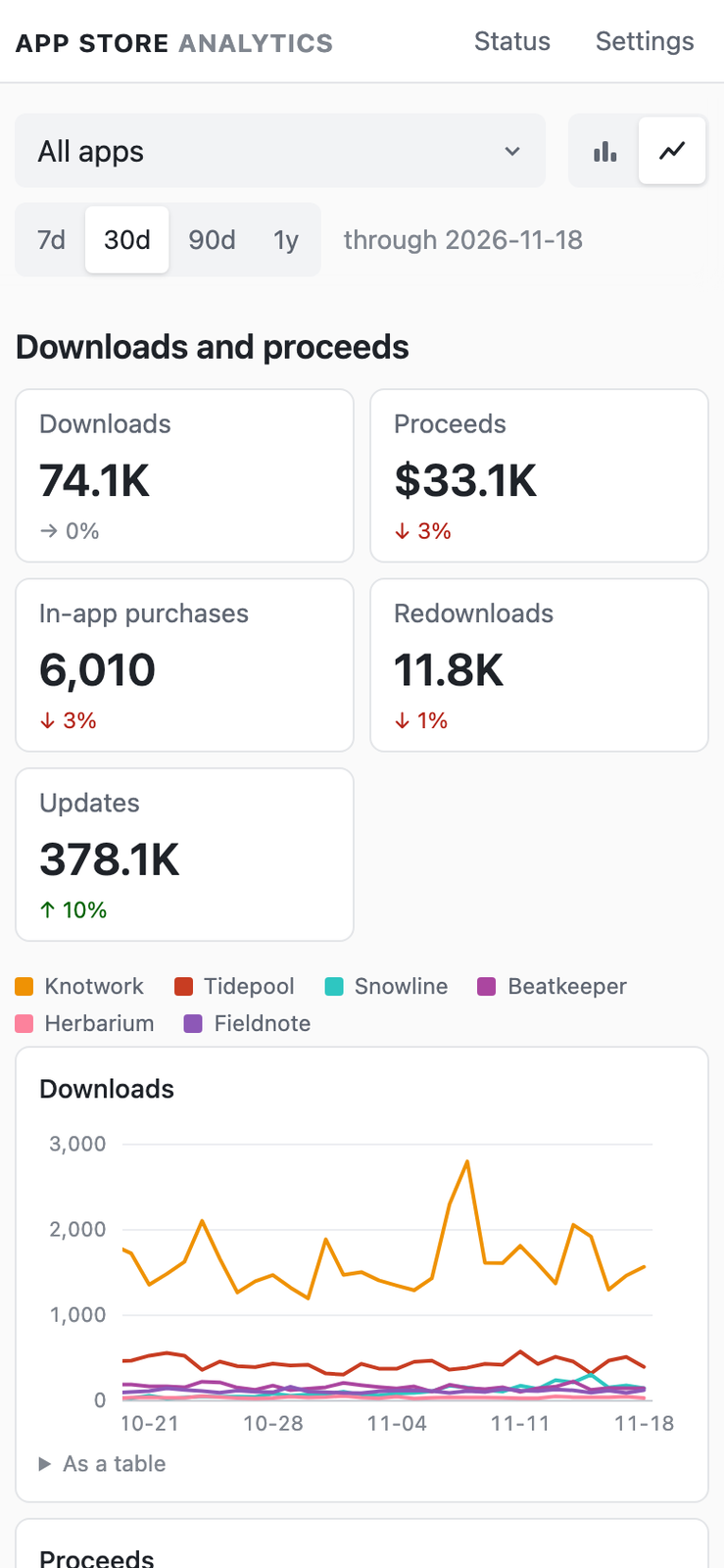
- Downloads, proceeds in US dollars, in-app purchases, redownloads and updates, by day, country, app and in-app purchase, compared with the same number of days before.
- Impressions, product page views, installs, sessions, deletions and crashes, and where visitors came from.
- One app or all of them, over 7, 30 or 90 days or a year, as bars or lines.
- Given a vendor number, Apple's sales reports fill in the days the analytics reports haven't reached yet.
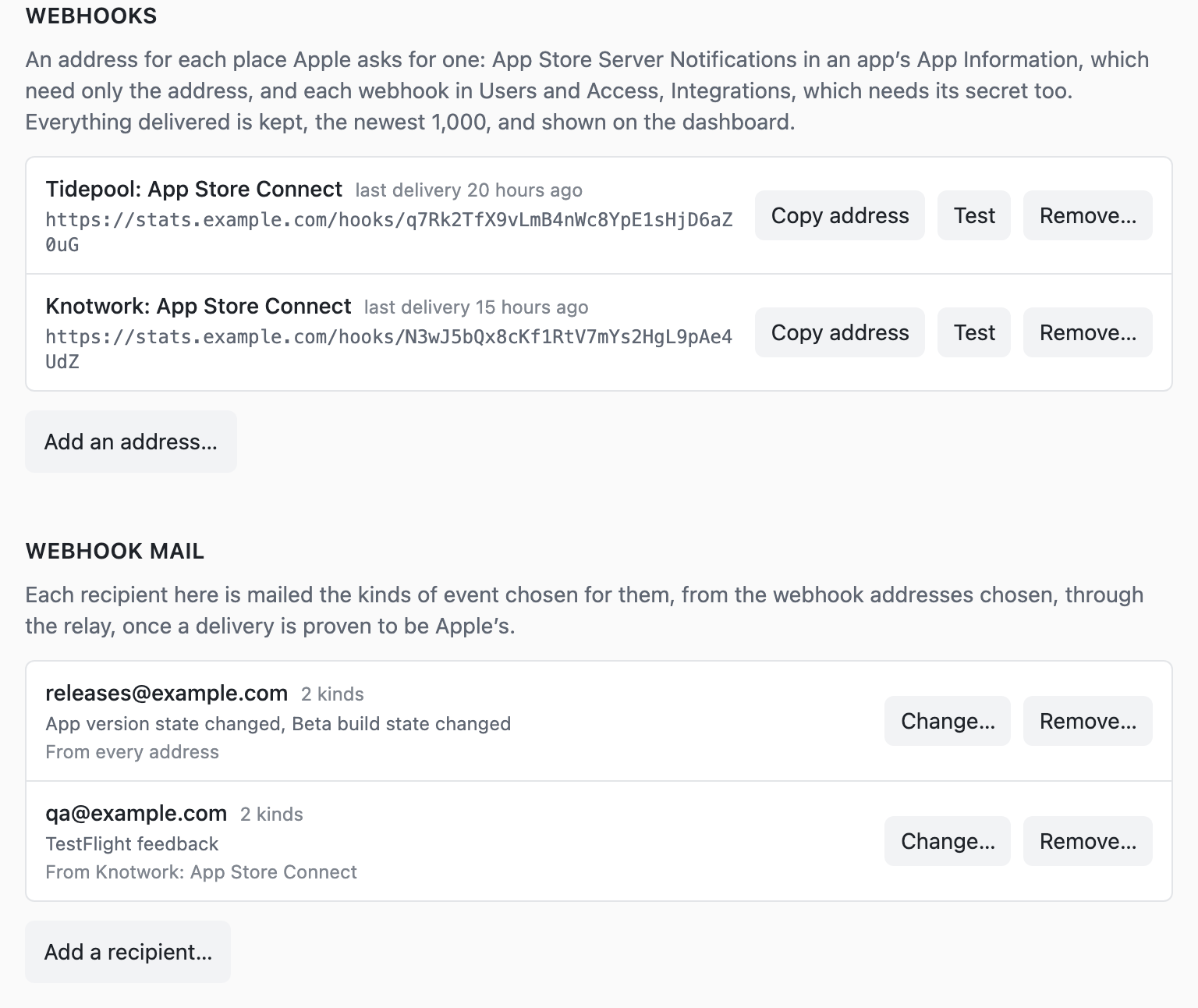
- Webhook addresses for App Store Connect and an app's server notifications: what Apple sends shows on the dashboard, and each kind of event can be mailed to whoever needs it.
- A status page says what each sync read and what went wrong.
- One sign-in, set in the environment. Settings lists every browser signed in, and any of them can be signed out.
- Backups of the whole database, as one file, to backio.
Run it
# a team key with the Admin role, from App Store Connect: Users and Access → Integrations
cat > .env <<EOF
APPSTOREANALYTICS_USERNAME=admin
APPSTOREANALYTICS_PASSWORD=…
APPSTOREANALYTICS_ISSUER_ID=…
APPSTOREANALYTICS_KEY_ID=…
APPSTOREANALYTICS_PRIVATE_KEY_BASE64=$(base64 -i AuthKey_XXXXXXXXXX.p8 | tr -d '\n')
EOF

# put HTTPS in front of it, then sign in at that address
docker run -d --name appstoreanalytics --env-file .env \
  -e APPSTOREANALYTICS_PUBLIC_URL=https://stats.example.com \
  -v appstoreanalytics-data:/data \
  -p 127.0.0.1:8080:80 \
  ghcr.io/reeywhaar/appstoreanalytics:v1
Configuration, backups and the rest are in the README.


