

About WengiWengi
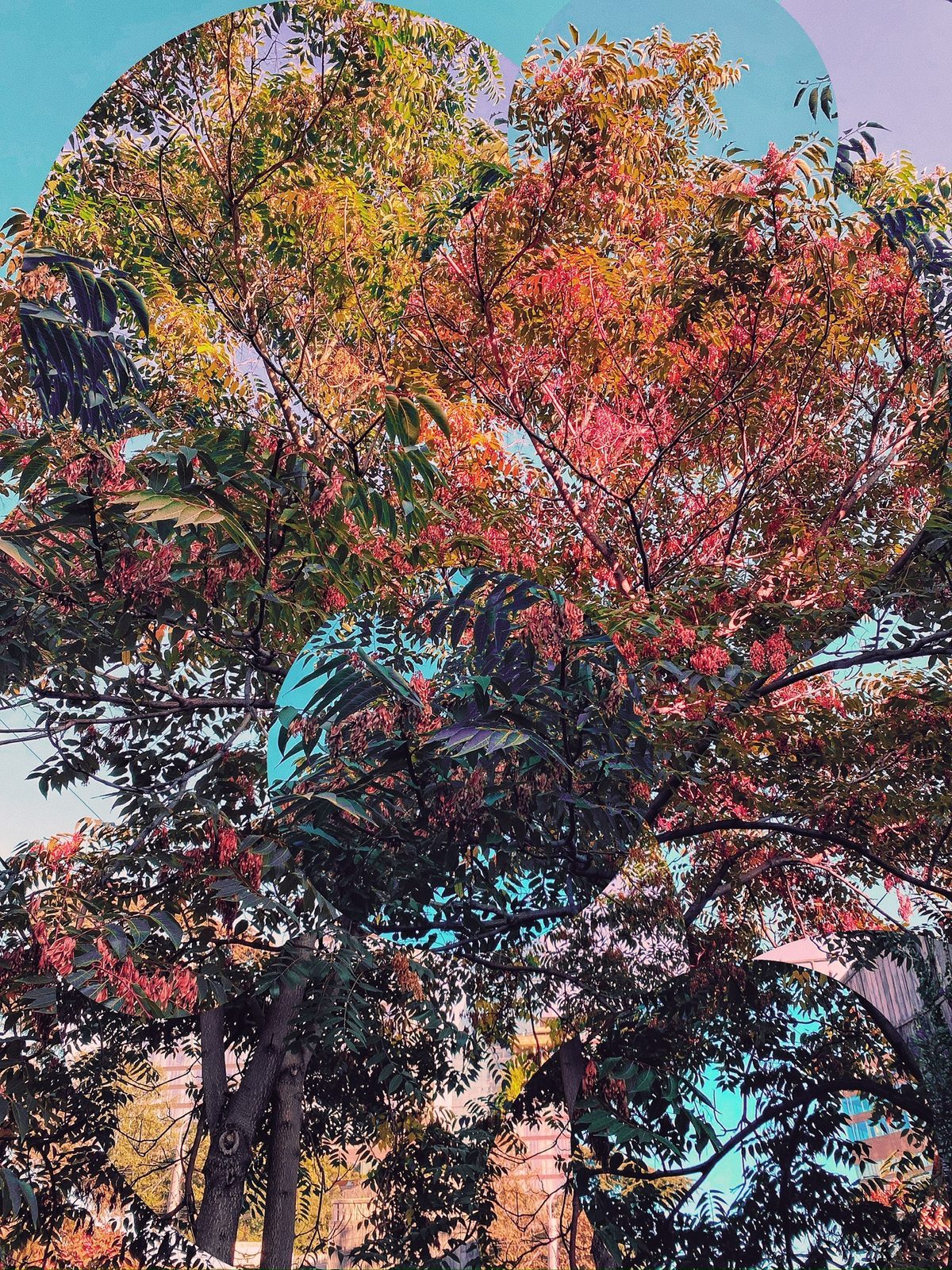
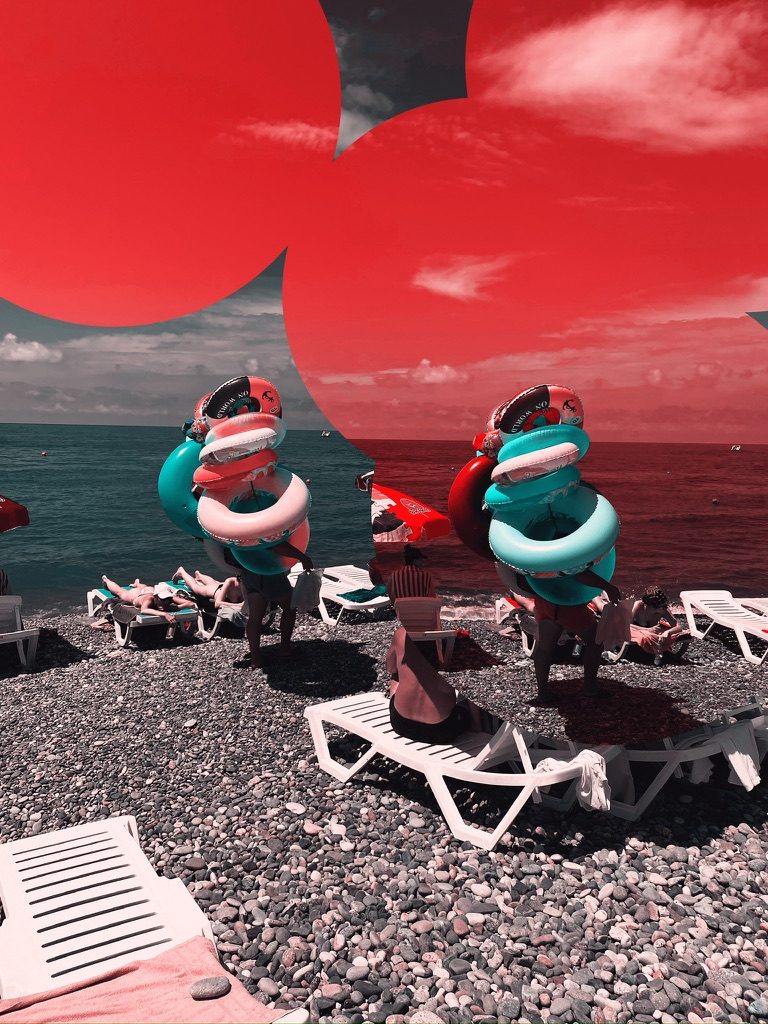
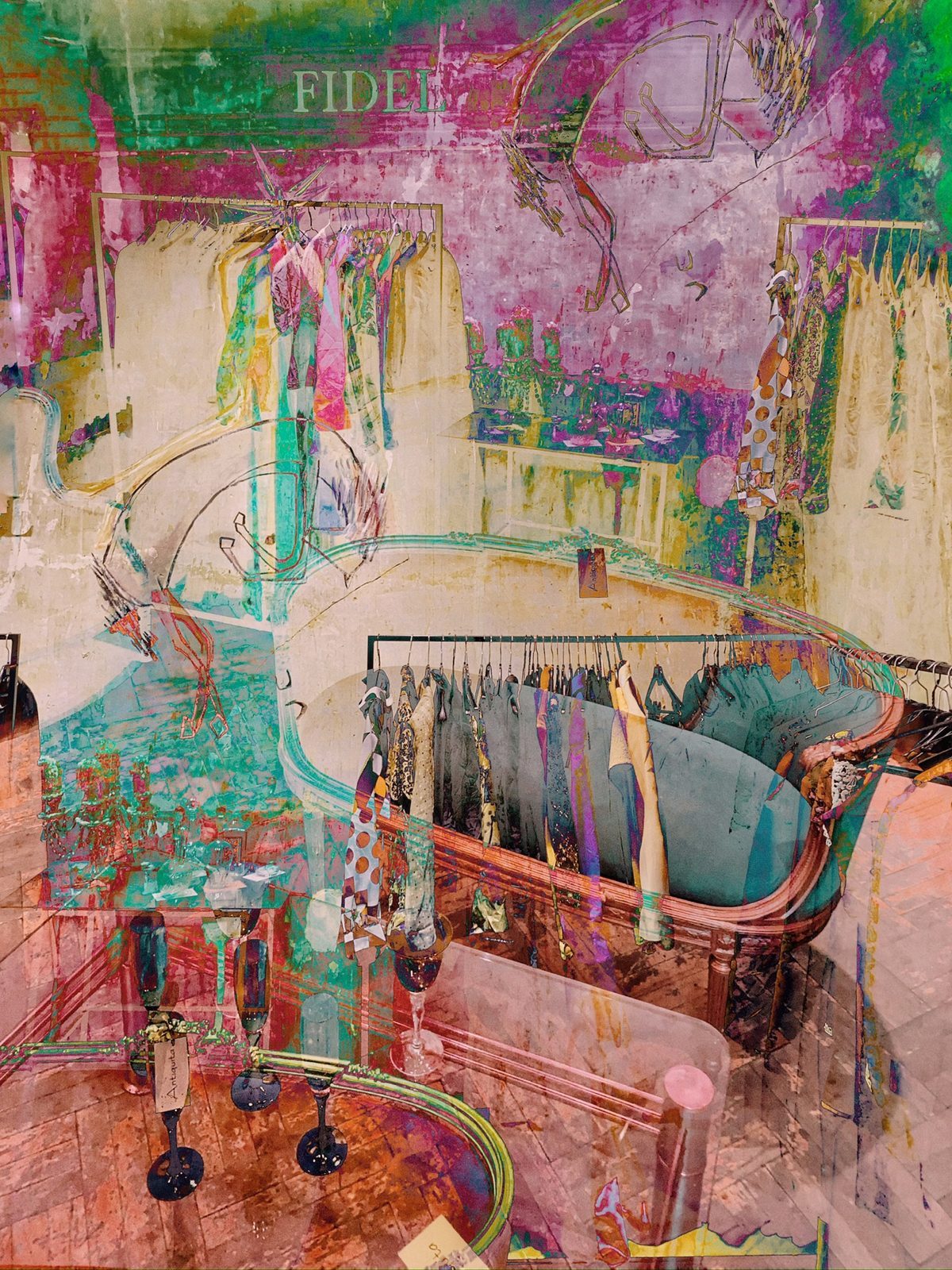
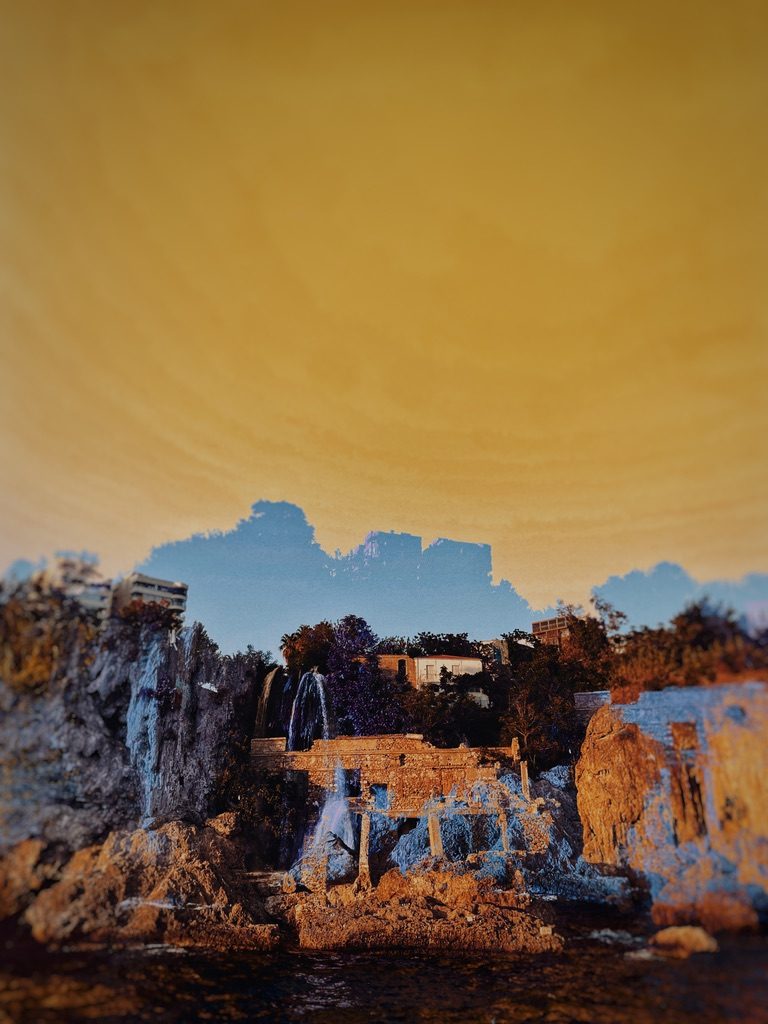
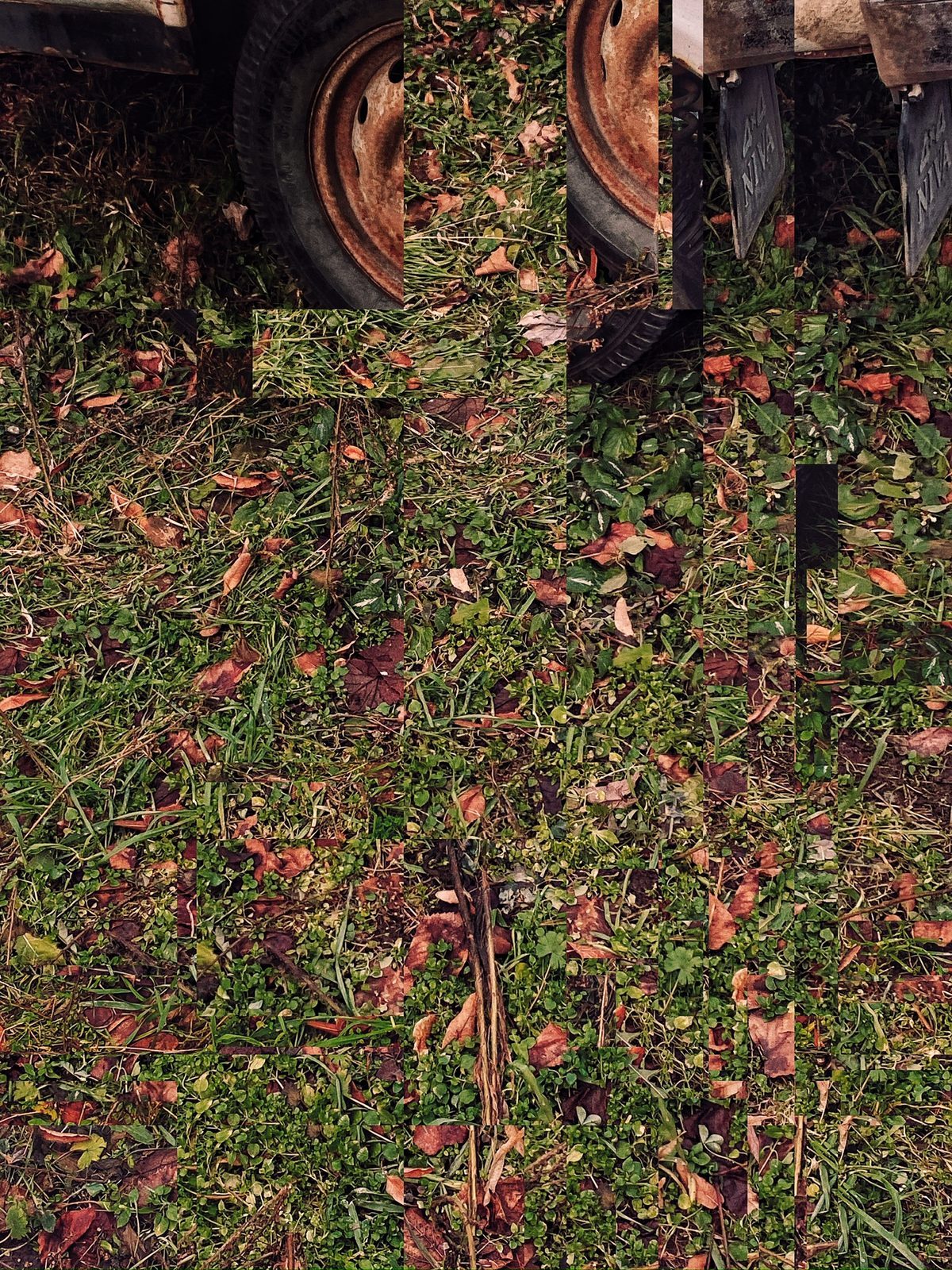
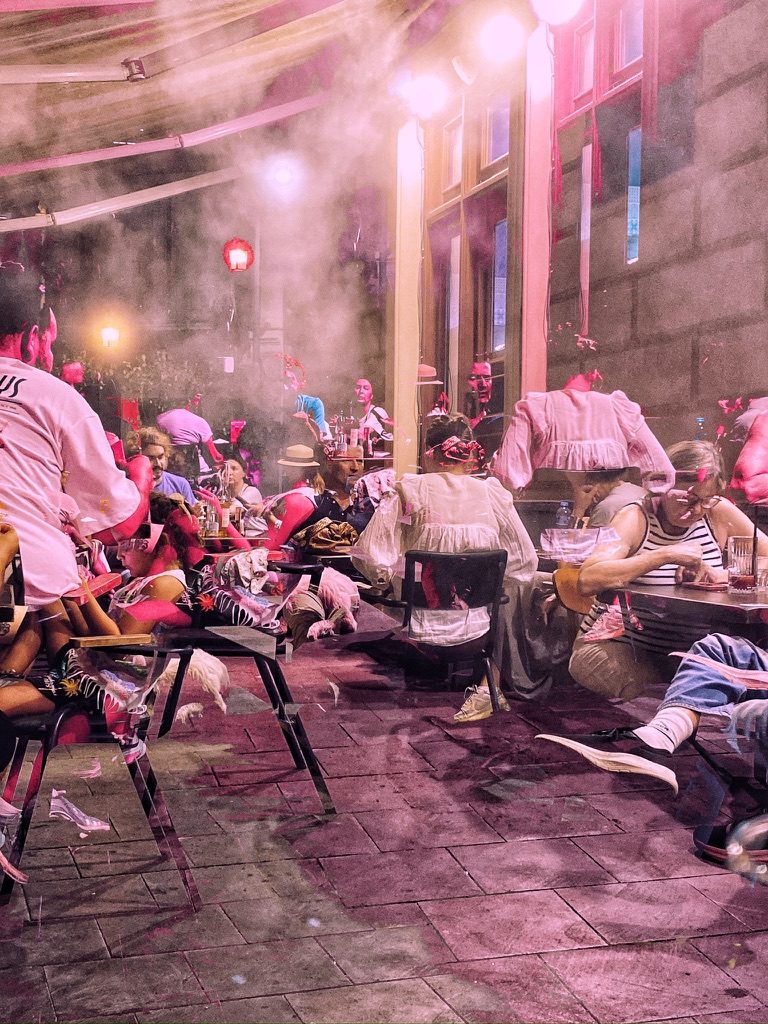
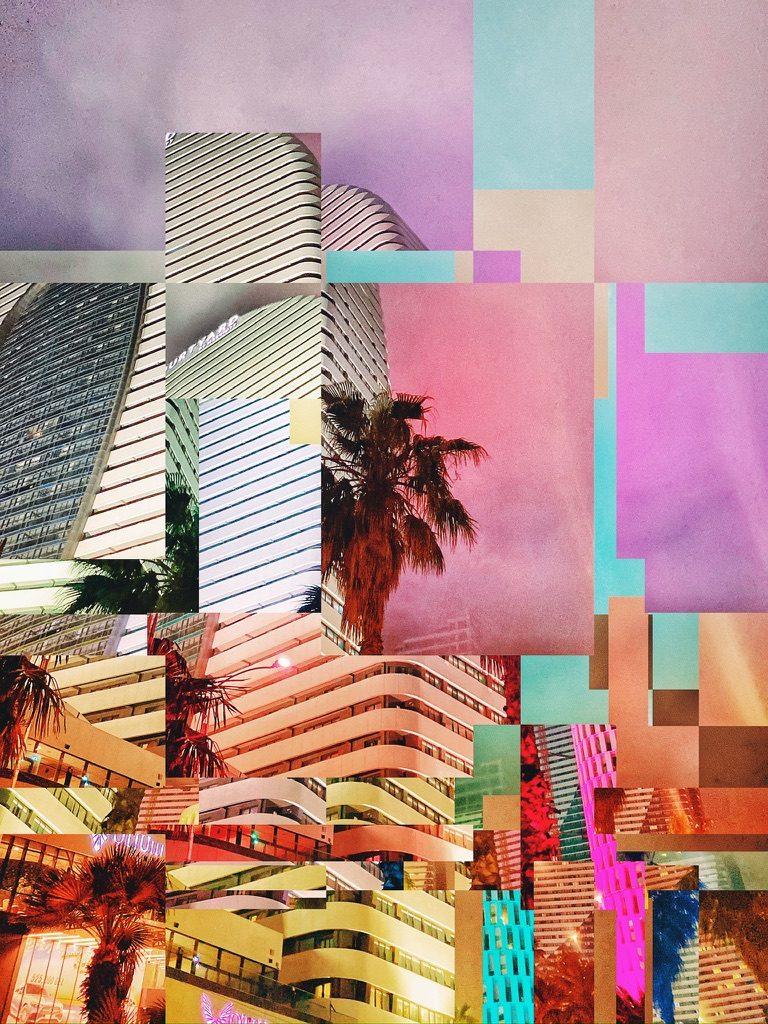
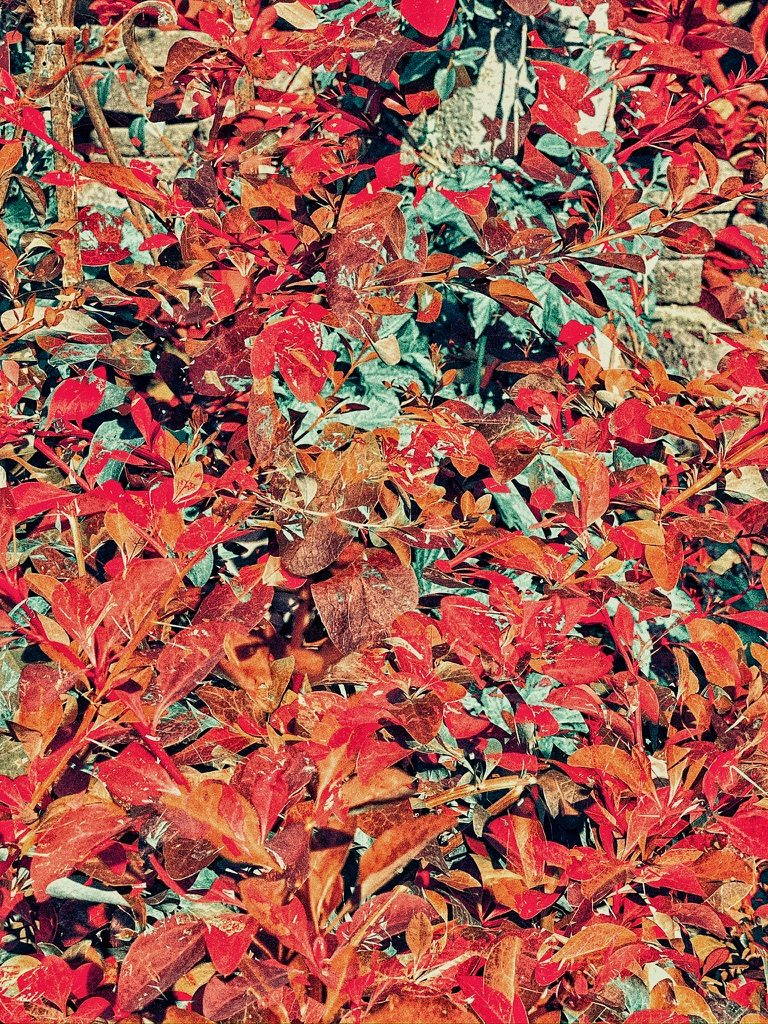
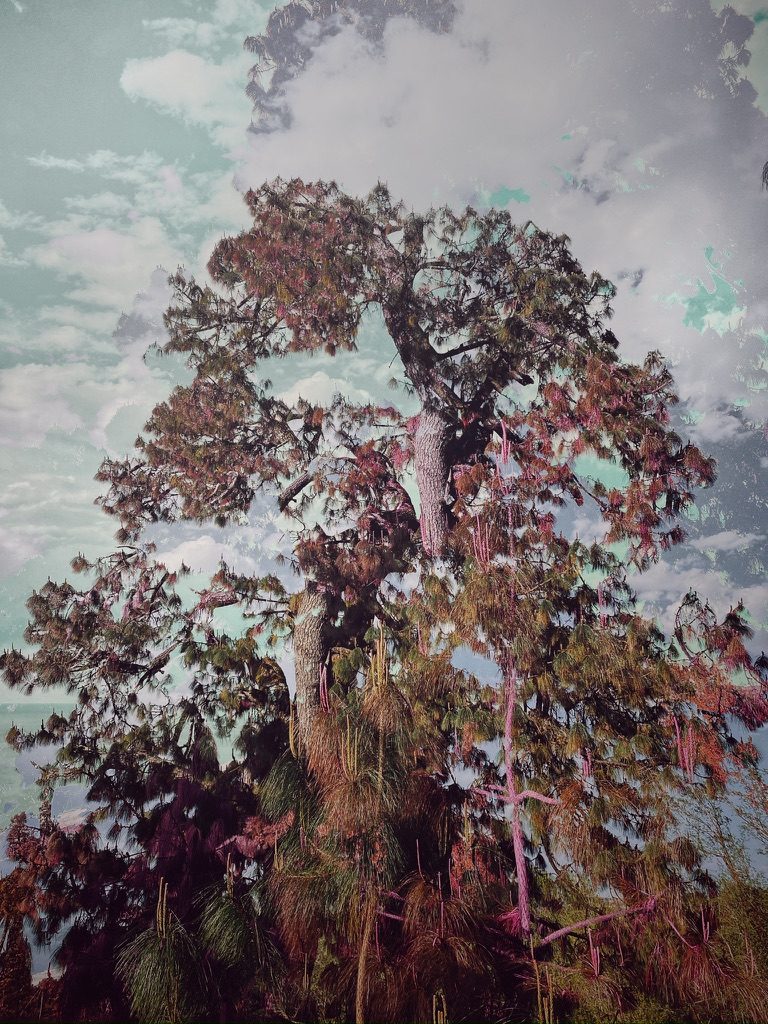
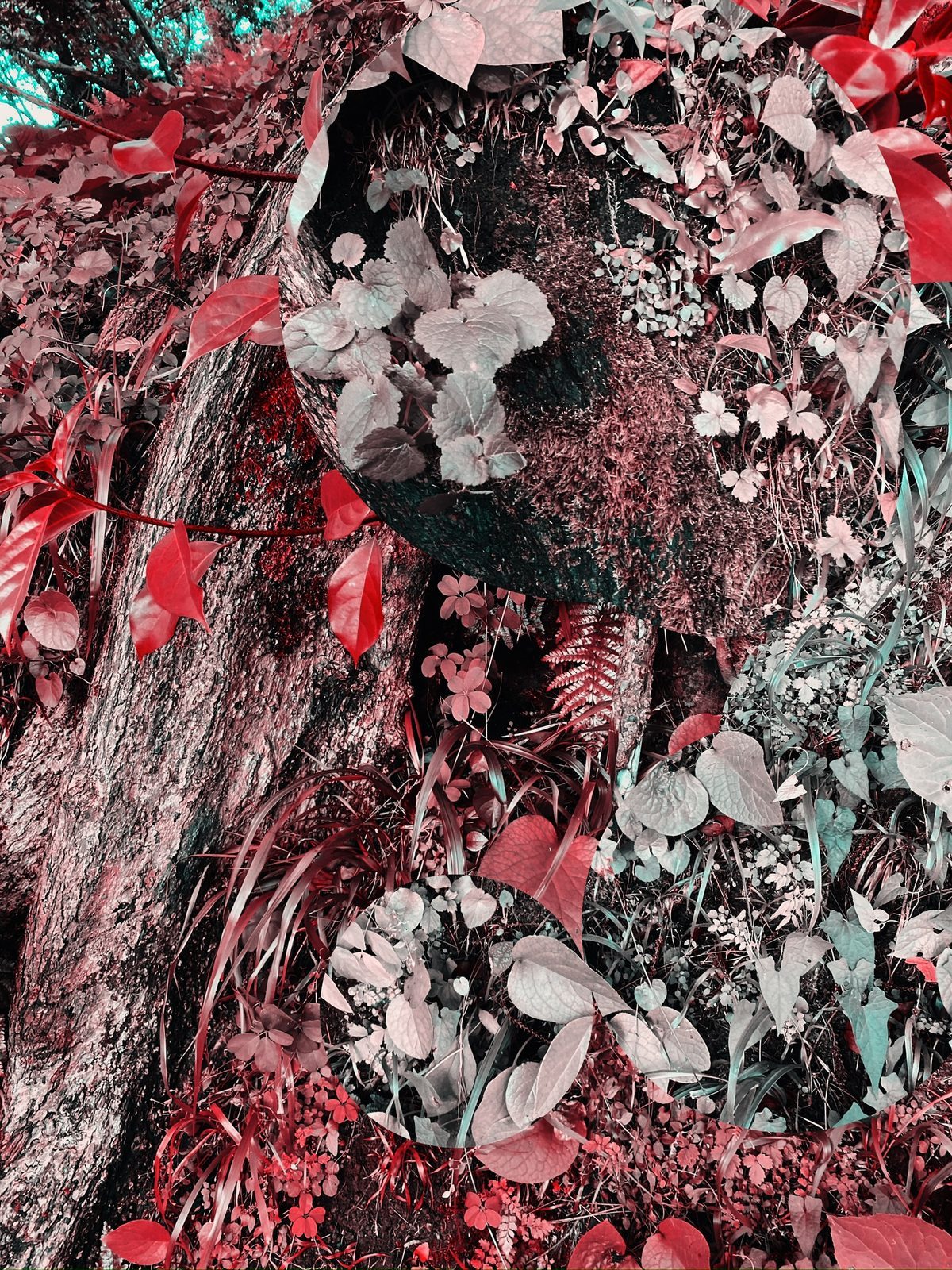
WengiWengi combines two shots into one photo. You take one picture, then a second, and the app blends them together. The result shows in the corner while you shoot, so you can undo it, retry the mix or keep shooting.
There are nine ways to mix, and each filter blends the same two shots differently. Pick one before the shot, or retry the mix with another afterwards.
You can then add a film look. Looks preview live on the photo, pressing and holding one compares it with the original, and a slider sets how strong each look is. This all happens in the app, so you don't need a separate photo editor.
Looks work on photos already in your library too: add one and replace the original. Photos keeps the original, so Revert always brings it back.
Check out the app's Instagram, @wengiwengiapp, for more examples, news and updates!

Made with WengiWengi